
Flexible checkout,
without replacing your payment providers.
HustlePay works with your current store and processor. It adds split payments for one order. You have the option to add a second processor if desired.
One order
Split payment
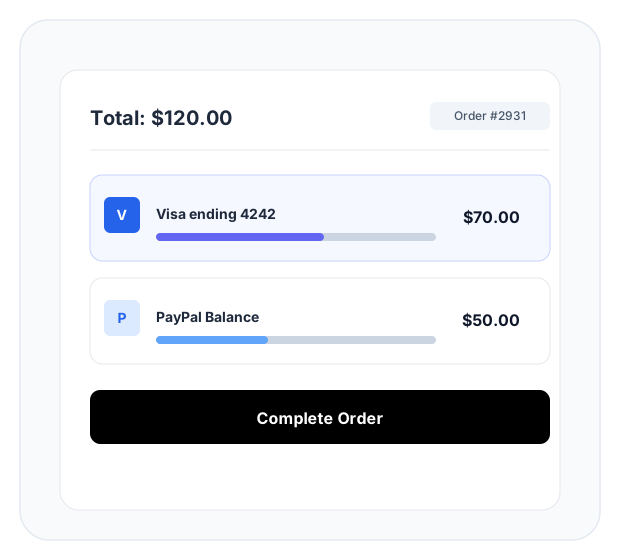
The buyer sees one total and chooses how much comes from each source. Each source is charged through your processor. If one source fails, they can retry with another.
-
One total
The buyer sees one total and chooses how much goes on each source.
-
Your processor
Each source is charged through your processor.
-
Retry or use another source
If one source fails, they can retry or use another. Anything already taken is refunded.
-
One order
It stays one order in your store.
Split payment
Example
$500 order. $200 on one card. $150 from a wallet. $150 on a bank account or other source. A traditional checkout would just decline the transaction if one source was insufficient. HustlePay can complete the same order: $200 + $150 + $150.
- $200 on one card
- $150 in a wallet
- $150 on another source
- $200 + $150 + $150 = one completed $500 order
Optional routing
Routing and install
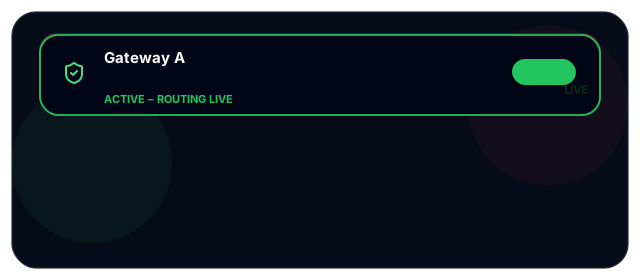
Connect a second processor if you want a backup path. Set the order they should be tried in. This is not on by default.
- WooCommerce: install the HustlePay Payment Connector from the WordPress Plugin Directory
- Add your keys, test, then go live
- Not a processor, bank, custodian or merchant of record
- Not pay later, a stored-balance wallet, a replacement for Stripe or PayPal, or marketplace payouts
What HustlePay is not
Not a processor. Not a bank. Not a custodian. Not the merchant of record. Not pay later. Not a stored-balance wallet. Not a replacement for Stripe or PayPal. Not marketplace payouts. Just a facilitator that helps you complete more sales.